Choosing a Wall Mount
Understand fixed, tilting and full-motion mounts, VESA patterns, and how to match a bracket to your TV's size and weight.
Clear, step-by-step guidance that helps you choose the right wall mount, find the perfect viewing height, and get your smart TV running — safely and confidently.
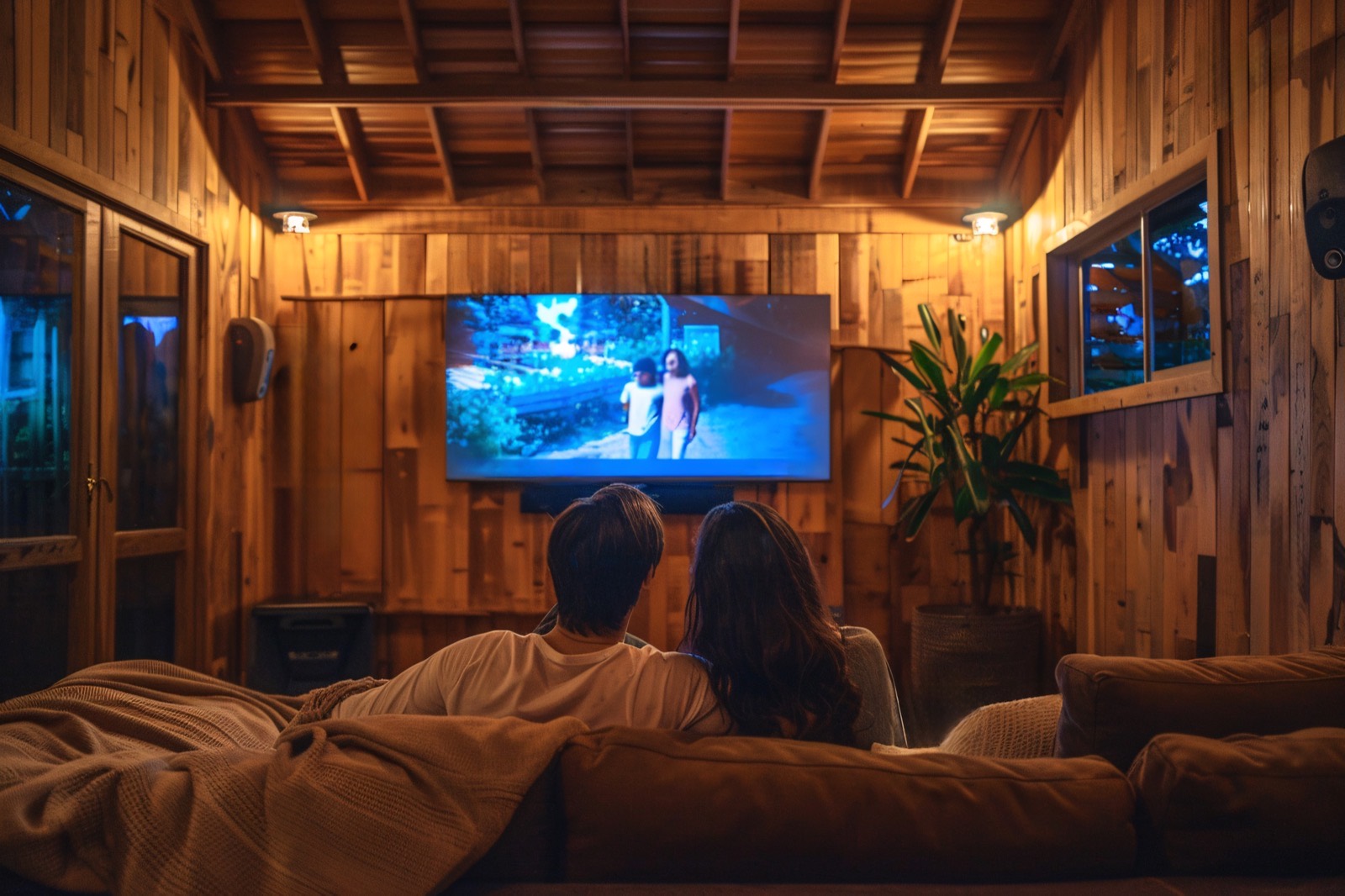
Mounting a television and setting it up shouldn't feel overwhelming. Our resource breaks the whole process into plain-language steps — from measuring your wall and choosing between a fixed, tilting or full-motion bracket, to cable management, picture calibration and connecting your streaming apps.
Whether you own a compact bedroom TV or a large living-room display, these guides help you understand the tools, safety checks and best practices used by experienced installers — so you can make informed decisions.
Remember: this website is purely informational. We don't sell, install, or recommend specific brands or paid services.
Each topic is written for beginners and packed with practical, safety-first advice.
Understand fixed, tilting and full-motion mounts, VESA patterns, and how to match a bracket to your TV's size and weight.
Learn how to mount safely on drywall, brick or concrete, find studs, and understand the anchors and fixings involved.
Get simple rules for eye-level positioning so your neck stays comfortable during long viewing sessions.
Tidy, safe ways to route and conceal power and HDMI cables for a clean, professional-looking result.
A calm walkthrough of turning on your TV, connecting to Wi-Fi, and running the initial software and channel setup.
Beginner-friendly explanations of picture modes, brightness, and audio settings to improve your everyday viewing.
A high-level overview — the full details live in our dedicated mounting guide.
Check your TV's VESA pattern and weight, decide on the location, and mark the ideal height at eye level from your seating position.
Use a stud finder to locate solid support behind drywall, or plan the correct anchors for brick and concrete walls.
Level the wall plate, drill pilot holes, and secure the mount with the appropriate fixings for your wall type.
Fit the TV onto the bracket, confirm it's secure and level, then route and conceal the cables neatly.
There's a lot of conflicting advice online about mounting and setting up televisions. Our goal is simple: give you accurate, neutral information you can actually understand — without upselling anything.
We highlight the safety considerations that matter most, such as wall strength, correct fixings and weight limits, and we're always clear about the moments when hiring a qualified installer or electrician is the smarter choice.
Understanding these three categories makes every other decision easier.
Hold the TV close and flush to the wall. Great for rooms where you always watch from directly in front.
Let you angle the screen up or down — ideal for TVs placed higher on the wall, above a fireplace, for example.
Extend, swivel and tilt so you can watch from multiple angles across an open-plan space.
This website provides general educational information about mounting and setting up televisions. It does not sell products, offer installation services, or provide professional trade advice.
Every wall, TV and home is different. Drilling into walls can involve hidden pipes and wiring. If you are unsure about your wall type, weight limits, or electrical safety, please consult a qualified professional installer or electrician before proceeding.
As a general rule, the centre of the screen should sit roughly at eye level when you're seated — often around 105–120 cm from the floor for a typical sofa. Comfort matters more than an exact number, so measure from where you actually sit.
Not always. Solid brick, concrete and stud walls can support a mounted TV with the correct fixings, but hollow or plasterboard-only sections may need special anchors or extra support. Always confirm your wall can safely hold the weight.
VESA is the standardised spacing (in millimetres) of the mounting holes on the back of your TV, such as 200×200 or 400×400. Your wall mount must match your TV's VESA size to fit correctly.
Many people mount smaller TVs themselves with a helper. For very large screens, tricky walls, or when electrical work is involved, hiring a qualified professional is the safer choice.
Browse our free, step-by-step guides and safety checklists so you can set up and mount your TV with confidence. This site is for information only.
Read the Mounting Guide